Plotera started as a personal tool to manage one small garden. It grew into something more complete — built around the way home gardeners actually think about their gardens.
It started simply enough — a small veggie patch, a youngest daughter eager to learn, and the idea that growing our own food would be something we could do together. Nothing ambitious. A 6×4 metre lot. Enough to enjoy picking fresh produce, to teach the cycle of growing things, and to spend some time outside doing something that actually mattered.
But simple ideas have a way of getting complicated. A small space with maximum potential means thinking about seasons, soil, companion planting, fast producers, sun position — there are more variables than you'd expect. Sketching a grid on paper, working out what to plant where, making changes, crossing things out, starting again. At some point it became obvious this would be a lot easier as a digital tool. So I went looking for one.
What I found were apps that stopped at the planting stage. They'd help you plan what to put in the ground, then leave you to figure out the rest on your own. Nothing tracked watering, fertilising, what grew well last season, what didn't, what was even planted where. That last one turned out to be the most immediate problem — within a few weeks of planting seeds and seedlings across the whole lot, I genuinely couldn't remember what I'd put where.
So I built the app I couldn't find.
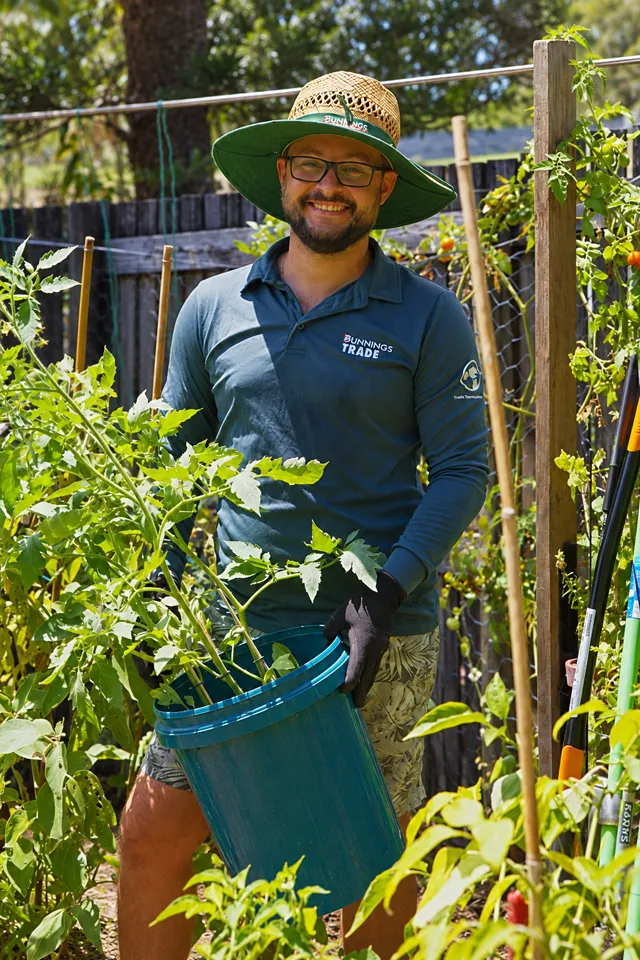
In the garden where Plotera began
“A garden planner should make the next right action obvious — not require you to think about the app.”
Founder, home gardener
Plotera is live, actively developed, and shaped by real gardener feedback. If something doesn't work the way you expect, or you have an idea that would make it more useful, send a message. Every message gets read and responded to personally.
What it does
Maps your real garden beds as a grid, assigns plants to zones, then builds a calendar, tracks watering and fertilising, manages seed packets and nursery trays, and logs what you harvest. Everything connects to the grid — nothing lives in a separate notebook.
Where it is going
The roadmap includes AI-powered garden advice, hardware sensor support for soil moisture and temperature data, and a community platform where gardeners share what works in their region and climate.
Get in touch
Questions, bug reports or feature ideas — use the contact page. There is no support team, just a developer who reads everything and responds personally.
250Plants in encyclopedia
6Climate zones covered
12+Feature categories
FreeTo start, no card needed
Turn garden notes into a living plan.
Create a free account to save your garden layout, personal planting calendar, water and fertiliser schedules, seed inventory and harvest logs.