
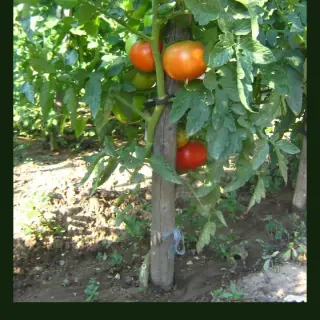

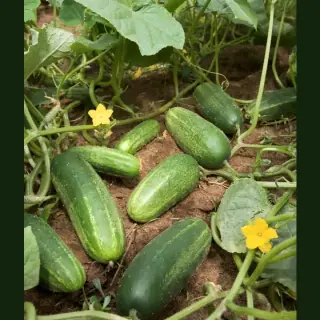

Older lower leaves yellow first
Often nitrogen hunger, ageing leaves or stress after transplanting. If the rest of the plant is strong, remove the worst leaves and review feeding.
Yellow leaves are not one diagnosis. They are a symptom. The trick is to read where the yellowing starts, what the soil feels like, how fast it happened and what changed recently.
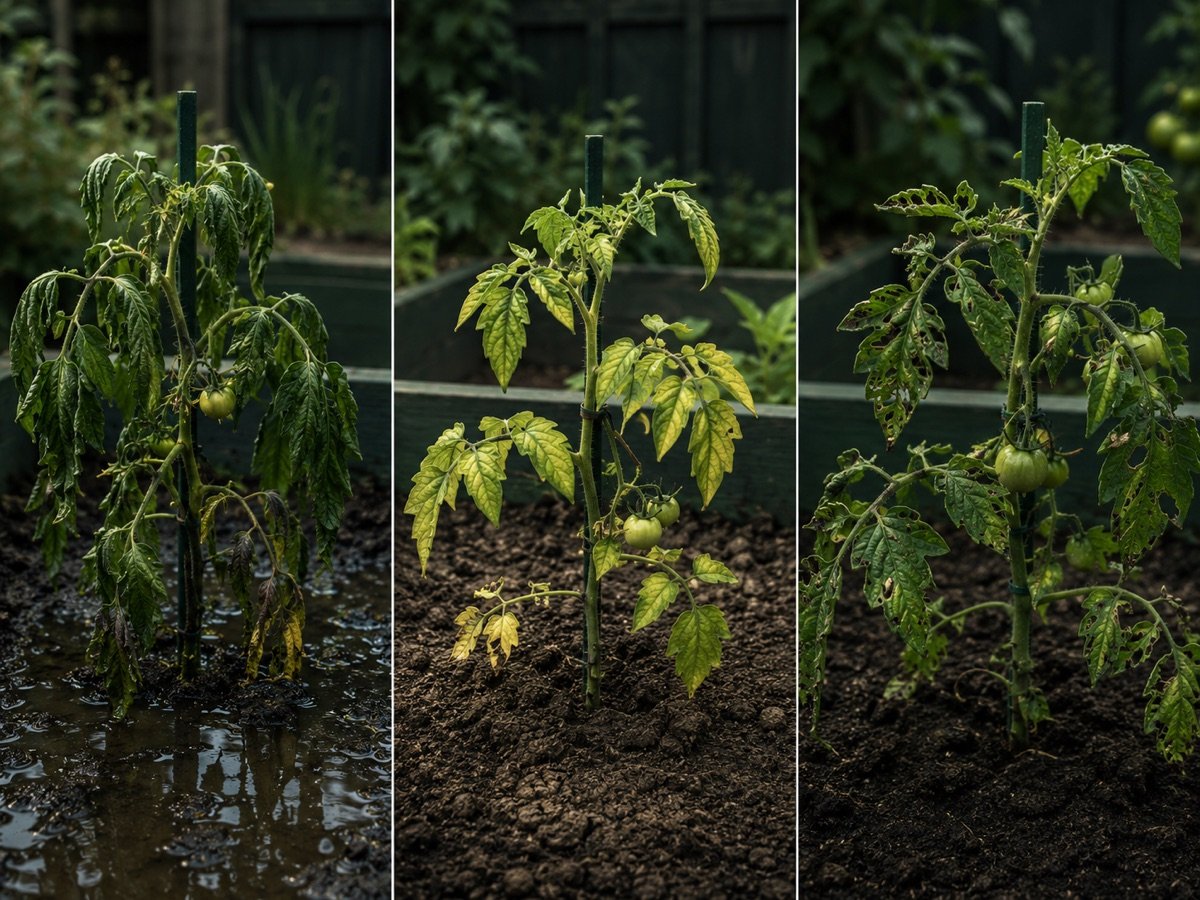
One yellow lower leaf on a tomato can be normal ageing. Whole plants turning pale after heavy rain may be waterlogged. New growth going yellow while veins stay green can point toward nutrient or pH problems. The same colour can mean very different things.
Plotera helps by connecting the symptom to your plant, soil profile, watering log, fertiliser log, weather and growth stage so you are not diagnosing from memory.
Fruiting crops often show stress clearly because they are heavy feeders and dislike irregular watering.
Often nitrogen hunger, ageing leaves or stress after transplanting. If the rest of the plant is strong, remove the worst leaves and review feeding.
Check soil moisture and roots. Waterlogging, cold soil, poor drainage or a general nutrient shortage can all make the whole plant fade.
This can point toward iron, magnesium or pH-related nutrient lockout, especially if the soil pH is outside the crop's preferred range.
Look closely under leaves for mites, aphids or thrips. Pest damage often starts as dots or mottled patches rather than even yellowing.
Walk through symptoms, affected leaves, watering, feeding and pests to get a likely cause and next action.
Record pH, texture, drainage and amendments so nutrient issues can be checked against the crop's preferred soil range.
Yellowing is easier to diagnose when you can see the last water, feed, weather event and growth stage in one place.
Plotera turns symptoms, watering history, feeding history and plant stage into a guided troubleshooting flow.
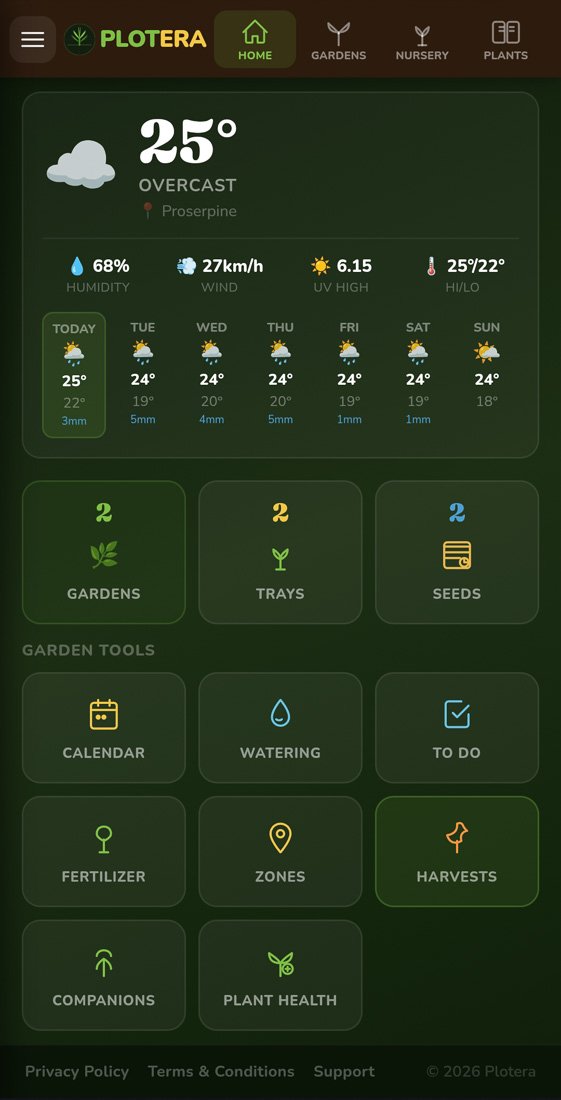
Start from the garden record rather than guessing from memory.
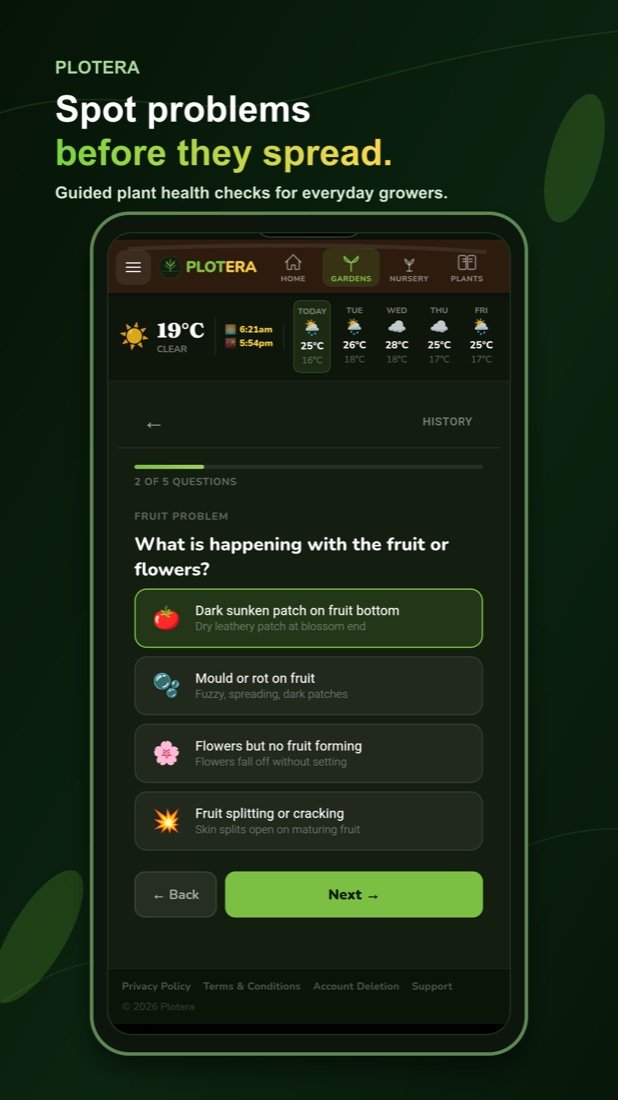
Work through symptoms, affected leaves and recent care so Plotera can guide the next checks instead of guessing.
Before feeding a yellow plant, check whether the soil is too wet or too dry — see the watering guide.
Nutrients can be present but unavailable if pH is wrong — see the soil pH guide.
No. Check moisture, drainage and pests first. Feeding a waterlogged plant can make the problem worse because damaged roots cannot use the fertiliser properly.
A few older lower leaves yellowing can be normal, especially as a plant grows. Widespread yellowing, new growth yellowing or sudden collapse needs investigation.
The Plant Health Wizard combines the symptom with your plant, logs, soil profile, weather and growth stage so the likely cause is narrower than a generic search result.
Create a free account to save your garden layout, personal planting calendar, water and fertiliser schedules, seed inventory and harvest logs.
Create Free Account