
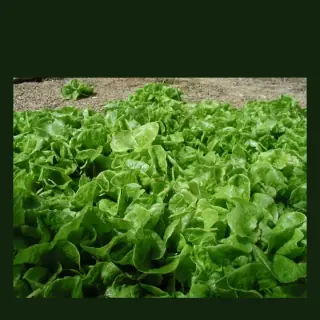

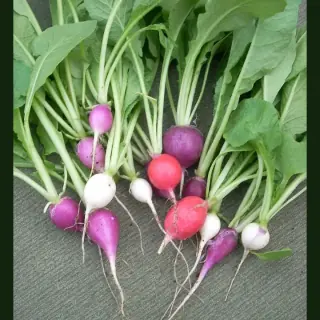
Fast wins
Radish, lettuce, pak choi, beans and herbs give feedback quickly. They are useful when you are learning because mistakes show up early.
A blank garden bed can feel weirdly intimidating. The best answer is not a giant list of vegetables. It is a short list that suits your climate, the current season, your available space and the way you want to garden.
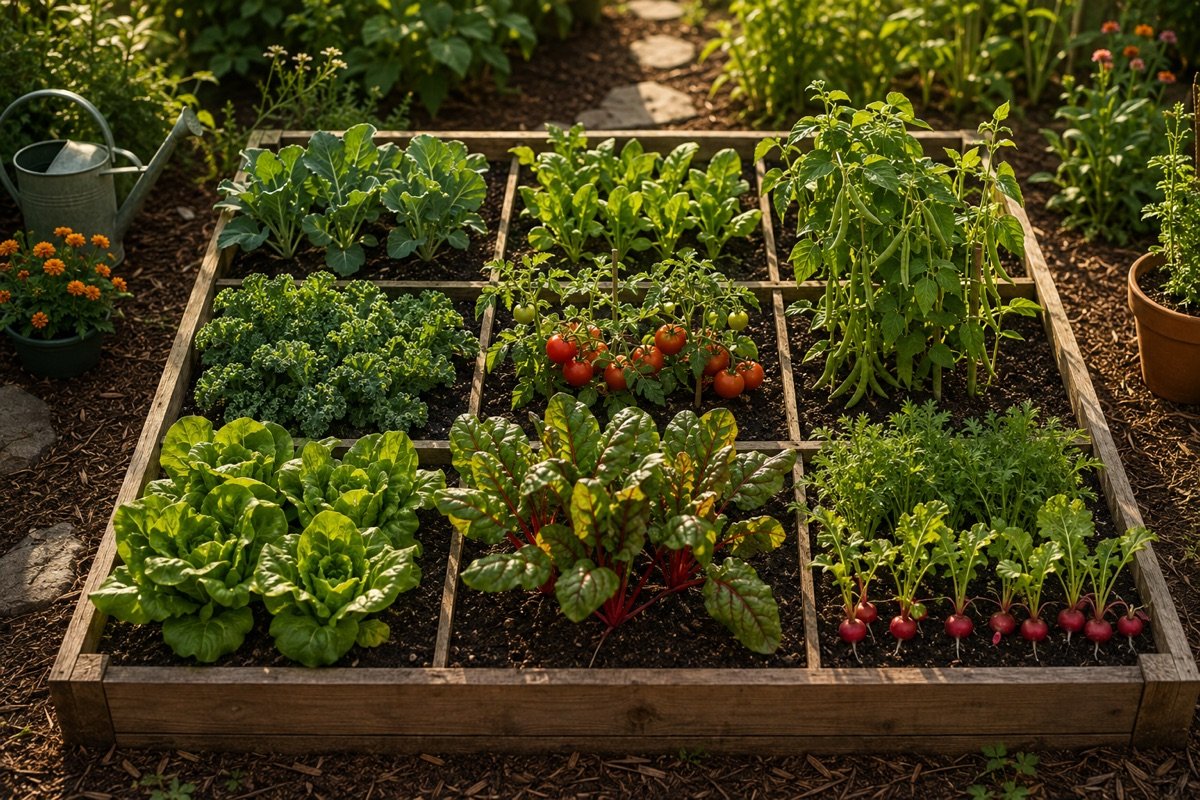
A crop can be easy in one climate and miserable in another. Tomatoes might be perfect in a warm spell and hopeless in frost. Lettuce might thrive in cool weather and bolt in heat. A useful planting plan starts with where you are, what month it is and how much space and sun the bed really gets.
Plotera's job is to turn that into a plan: climate profile, planting windows, spacing, companion data and a visual garden layout that fills the bed instead of leaving you guessing.
A good first bed usually combines something quick, something productive, something vertical and something you genuinely want to eat.
Radish, lettuce, pak choi, beans and herbs give feedback quickly. They are useful when you are learning because mistakes show up early.
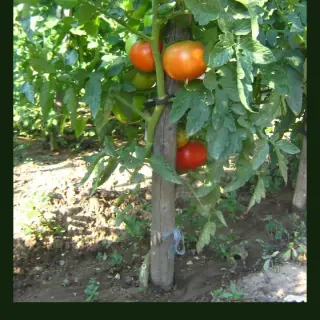
Tomatoes, beans, cucumbers, zucchini and leafy greens can return a lot from a small bed if they suit the season and have enough sun.
Choose fewer crop types, group them together and avoid plants that need constant tying, feeding or pest checking until your routine is solid.
Start with a small shortlist, then expand only if you want more options. Always check the individual plant guide for your climate window.
| Crop | Days to harvest | Category |
|---|---|---|
 Basil Basil | 25-35 days | Herbs |
 Coriander Coriander | 25-35 days | Herbs |
 Mizuna Mizuna | 25-45 days | Brassicas |
 Radish Radish | 25-45 days | Roots |
 Rocket Rocket | 28-40 days | Leafy Greens |
 Amaranth Amaranth | 30-45 days | Leafy Greens |
| Crop | Days to harvest | Category |
|---|---|---|
 Dandelion Dandelion | 30-60 days | Flowers |
 Joseph's Coat Amaranth Joseph's Coat Amaranth | 30-60 days | Flowers |
 Kang Kong Kang Kong | 30-60 days | Leafy Greens |
 Mint Mint | 30-40 days | Herbs |
Enter a garden size, location and growing goal, then Plotera proposes a planted layout instead of leaving you with an empty grid.
Every encyclopedia crop stores spacing, sun, water, fertiliser, companion and planting-window data so recommendations are tied to the plant itself.
The 2D and 3D garden views make it easier to see whether a plan makes sense before you commit real seedlings to real soil.
Build the bed visually, then let the garden tools turn the plan into something you can actually manage.
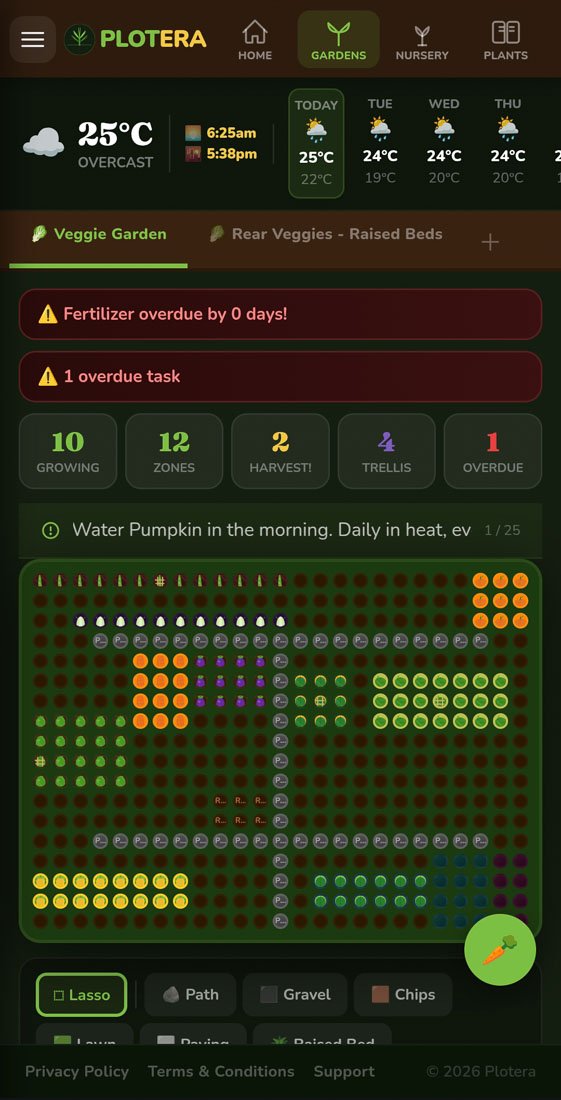
Map beds, paths and planted areas before you start.
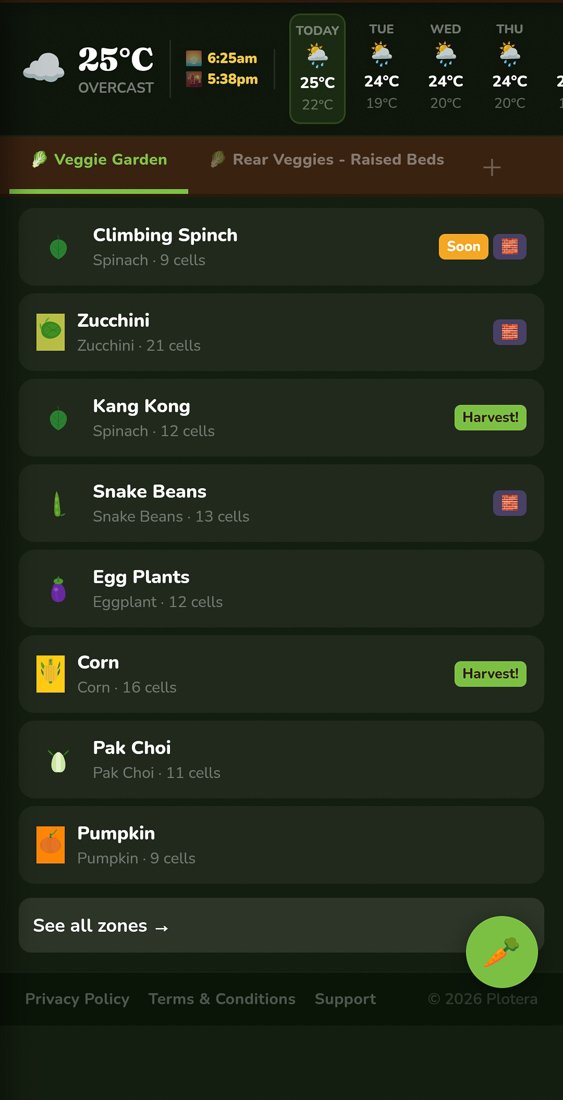
Group crops into practical zones for watering, feeding and harvest tracking.
Fast crops such as radish, lettuce, pak choi, beans and herbs are good first choices because they give feedback quickly. The best choice still depends on your climate and current season.
For a first bed, a few grouped crops are usually better. It keeps watering, fertilising and harvesting simpler, and makes it easier to notice what is working.
Plotera uses the garden size, saved location or climate profile, season, spacing, crop categories and companion data from the plant encyclopedia to create a practical layout.
Create a free account to save your garden layout, personal planting calendar, water and fertiliser schedules, seed inventory and harvest logs.
Create Free Account