
Days to harvest
Useful for planning, but not exact. Weather, variety, soil, water and whether it was sown or transplanted can shift the timing.
Harvest timing is one of the hardest skills to learn from a seed packet. Days to harvest are a guide, but the plant still needs to be read: size, colour, texture, sound, stem changes and whether the crop is still improving.
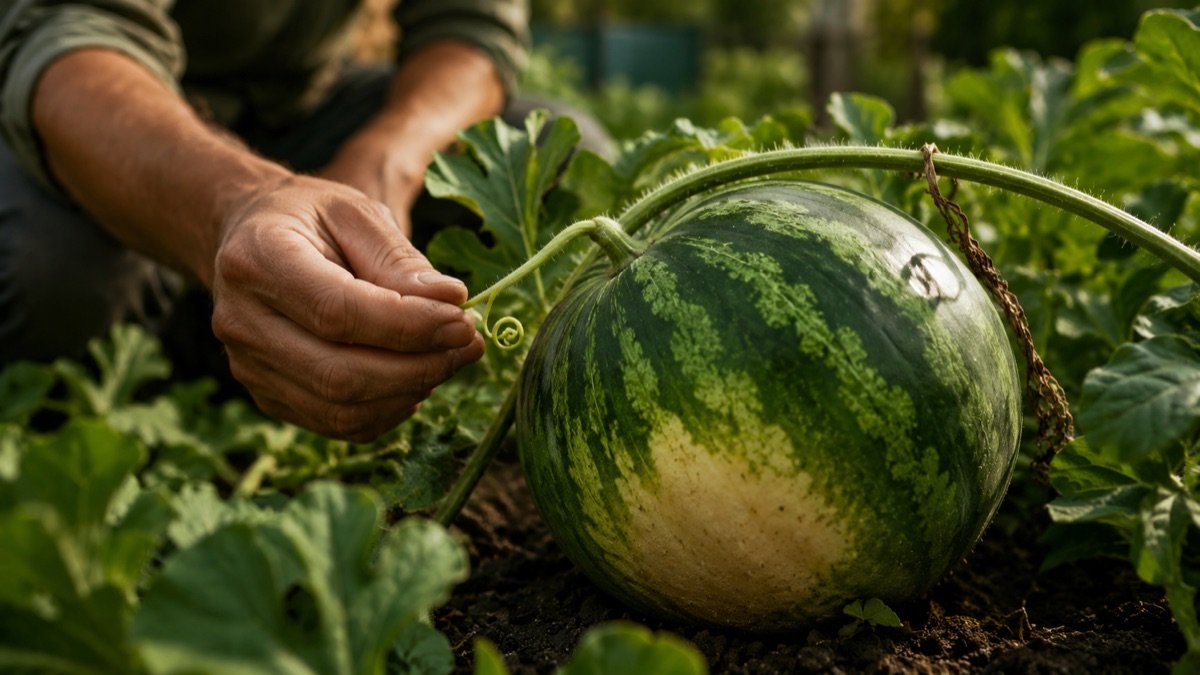
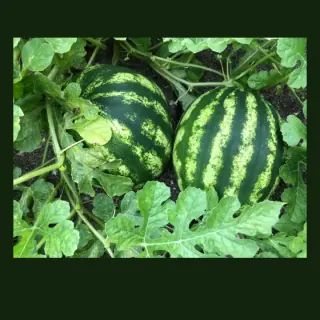
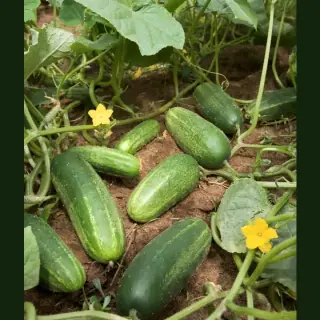
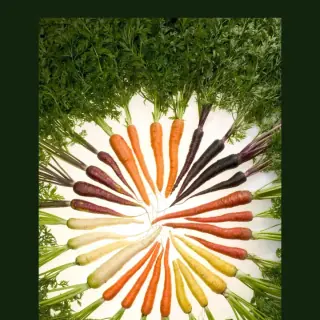
A cucumber left too long becomes seedy. A watermelon picked too early does not ripen properly after harvest. Carrots can sit in the ground longer, but radish can turn woody fast. Harvest timing changes by crop.
Plotera combines sowing or transplant dates, average harvest windows and crop-specific readiness checks so a reminder is only the start of the decision, not the whole decision.
Melons, cucumbers and quick roots are good examples of why visual checks matter.
Useful for planning, but not exact. Weather, variety, soil, water and whether it was sown or transplanted can shift the timing.
Many crops are ready at a typical size or colour. Bigger is not always better; oversized cucumbers, zucchini and radish often lose quality.
Melons, pumpkins and some fruit show readiness through stem drying, tendril changes, skin dullness or colour shifts.
Leafy greens, herbs, beans and peas are often best harvested small and often. The plant teaches you if you taste as you go.
These are worth watching closely because they can move from perfect to overgrown quickly.
Ask crop-specific readiness questions for melons, pumpkins, cucumbers, roots, bananas, pineapple and other crops where timing can be tricky.
The 3D growth view gives a visual sense of stage: sown, seedling, growing, flowering, fruiting and harvest.
Track what was harvested from each zone so you can compare seasons and learn your own garden's timing.
Harvest reminders are only the start. Plotera helps you inspect the crop, then record what was actually picked.
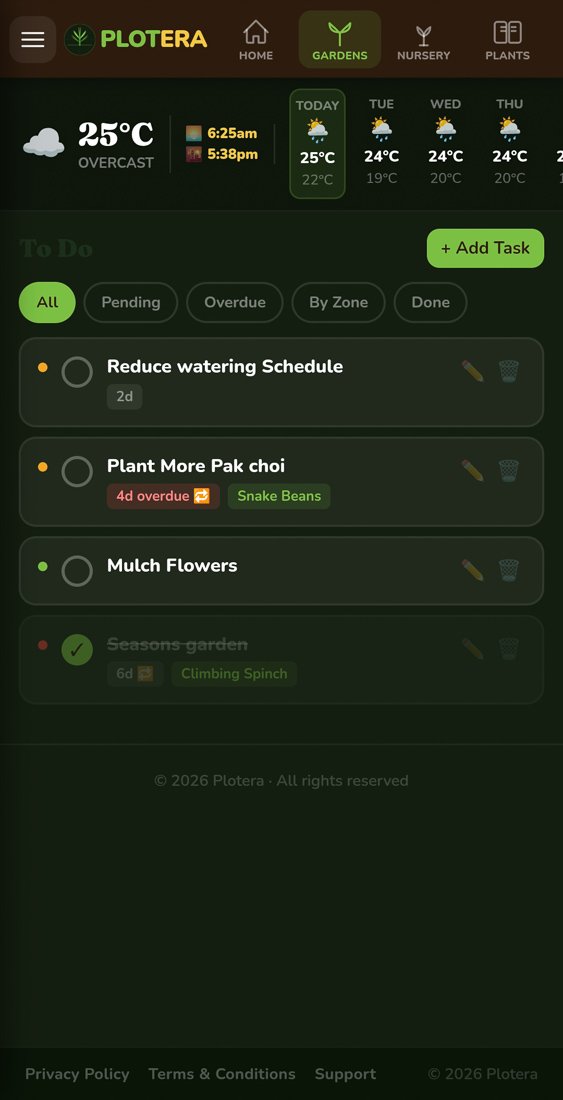
See what is due and open the right garden task.
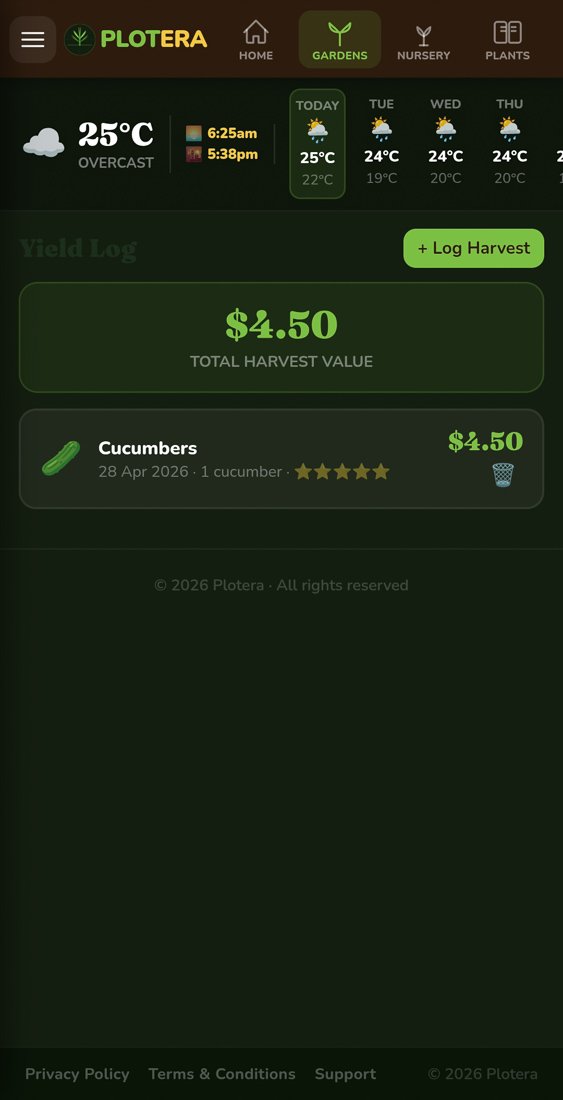
Record harvest count, weight and notes so next season is easier.
They are useful estimates, not guarantees. They vary by variety, weather, soil, watering, whether the crop was direct-sown or transplanted, and how mature you like to harvest it.
Use several clues together: dried nearest tendril, duller skin, a creamy field spot, heavier feel and a deeper sound when tapped. No single clue is perfect.
Plotera stores planted dates, expected harvest ranges, growth stage and crop-specific harvest wizard checks, then lets you log the actual harvest for future seasons.
Create a free account to save your garden layout, personal planting calendar, water and fertiliser schedules, seed inventory and harvest logs.
Create Free Account


