

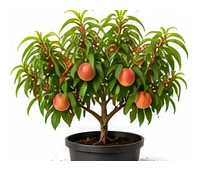
Whole plant
Overall shape, height, branching and growth habit.
Deciduous stone fruit tree producing luscious fruit in summer. Needs a period of winter chill to fruit. Susceptible to leaf curl disease — choose resistant varieties.
Use this real-world photo as the main plant reference, then compare it with the botanical drawings below for leaf, flower and harvest details.
Use these windows as a public guide. Plotera can personalise tasks around your saved garden, location and planting dates.
| Climate | Sow | Transplant / Plant | Harvest |
|---|---|---|---|
| Subtropical | May - Aug | May - Aug | Jan - Dec |
| Mediterranean | May - Aug | May - Aug | Jan - Dec |
| Temperate | May - Aug | May - Aug | Jan - Dec |
| Cool | May - Aug | May - Aug | Jan - Dec |
| Arid | May - Aug | May - Aug | Jan - Dec |
Compare the whole plant first, then check the leaf, flower and harvest detail to identify what Peach should look like as it grows.
Overall shape, height, branching and growth habit.
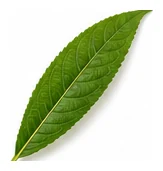
Leaf shape, edges, colour and vein pattern.
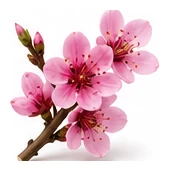
Flower colour, structure and where blooms appear.
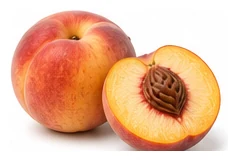
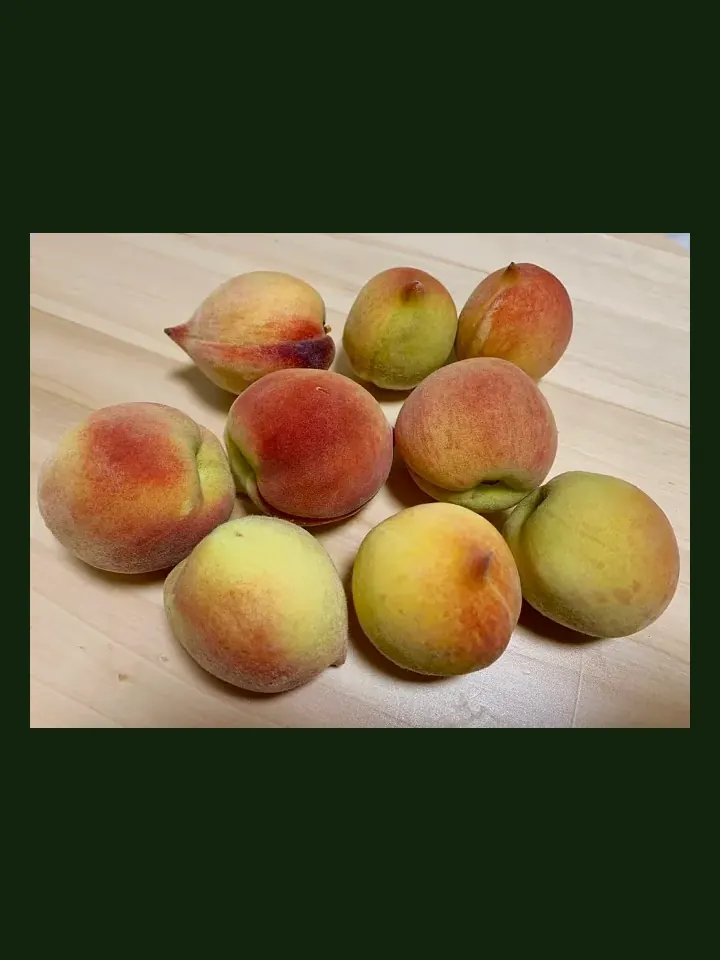
Fruit, root, seed, pod or the strongest identifying feature.
A quick garden-to-table guide for using Peach after harvest.
Use fresh where appropriate, especially tender young leaves, flowers, or ripe edible parts.
Cook according to the edible part: steam greens, roast roots, stew fruit, or use aromatics for flavour.
Jam, preserve, dehydrate, freeze, juice, or make chutney.
Try: Fresh slices, Baked dessert, Chutney, Preserve.
Tansy, Garlic, Basil
Potato, Tomato
Thin fruits when young for larger, better-quality harvest. Spray copper fungicide for leaf curl.
Create a free account to save your garden layout, personal planting calendar, water and fertiliser schedules, seed inventory and harvest logs.
Create Free Account