
Garden Timeline: scroll back through your garden's history
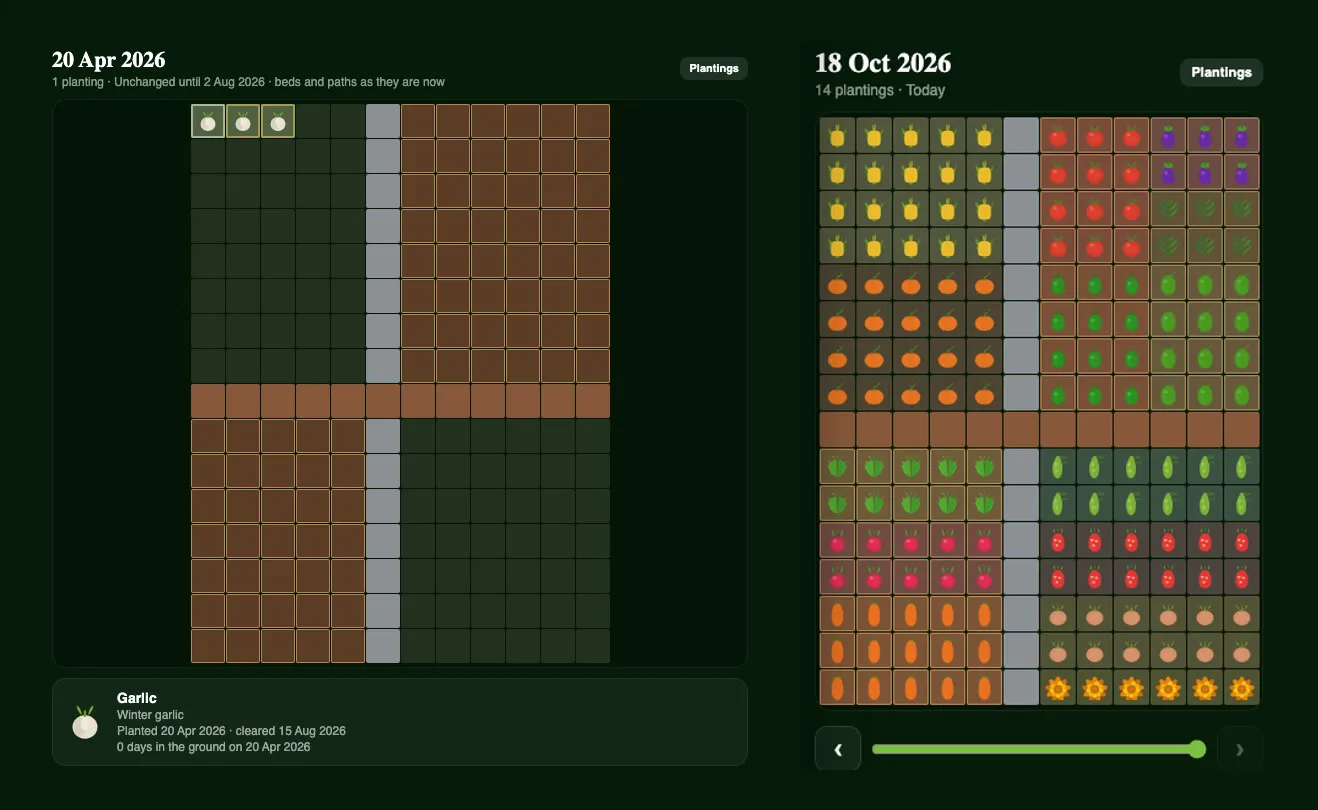
Ask any gardener where the tomatoes were two seasons ago and you'll usually get a pause. Crop rotation only works if you remember, and that's exactly what the new Garden Timeline is for.
Your garden, any day you like
Open Garden Timeline from the menu and pick a garden. You'll see it drawn just like the 2D planner, with a timeline slider underneath. Drag it back and the garden changes with it: beds fill and empty, crops come and go, and you can see exactly how the space looked in March, last winter, or the day you put the garlic in.
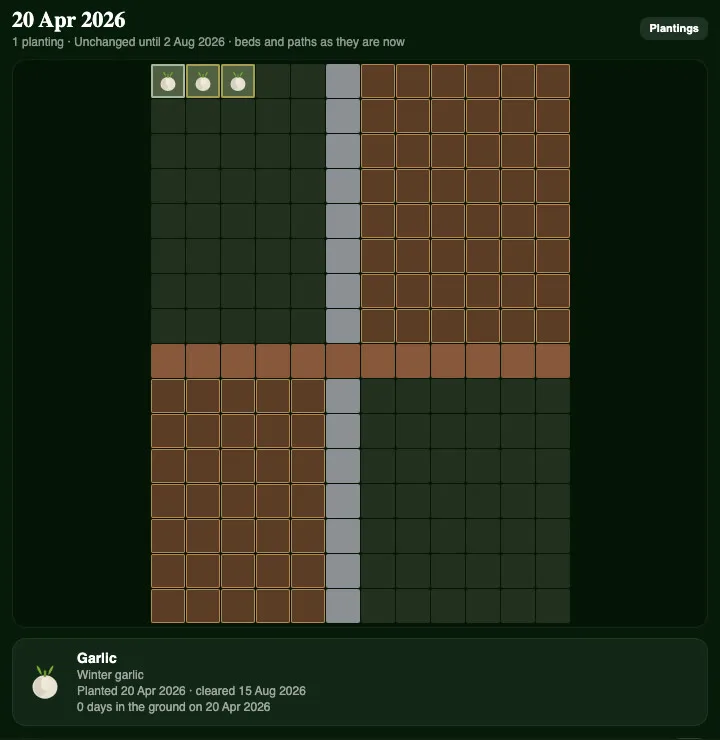
Tap a bed to see what grew there
Tap any square and Plotera tells you what was planted there, when it went in, when it came out and how long it was in the ground. Use the arrows to jump from one change to the next. Quiet stretches when nothing changed show as "Unchanged until…", so you never have to scrub through empty weeks.
Search everything you've grown
Tap Plantings for a searchable list of every crop the garden has had, past and present. Search for "tomato", choose one, and the timeline jumps straight to it and lights up its squares in the garden. It's the quickest way to plan next season's rotation: see where the tomatoes, potatoes and capsicum have been, and give that soil a break.
Light on your data
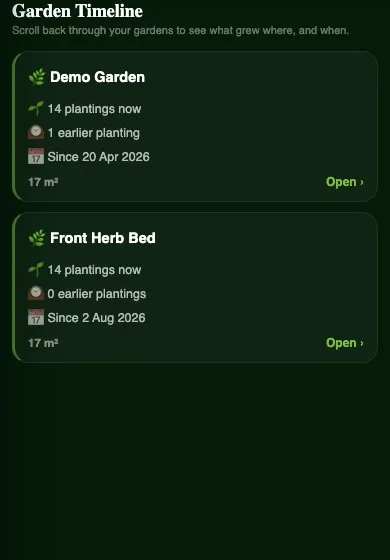
Plotera only keeps a new picture of your layout on days it actually changes, at most one a day, so a garden you leave alone for two months takes up no extra space. Plantings already carry their own dates, so your history from before today is filled in from the plantings you've added and archived.
Part of Plotera Pro
Garden Timeline replaces Zone History and is part of Plotera Pro. It is a view only - nothing can be changed by accident - and it works on the web, iPhone and Android.
Happy growing!
The Plotera team