
Grow in pots: round, square and trough planters in Plotera
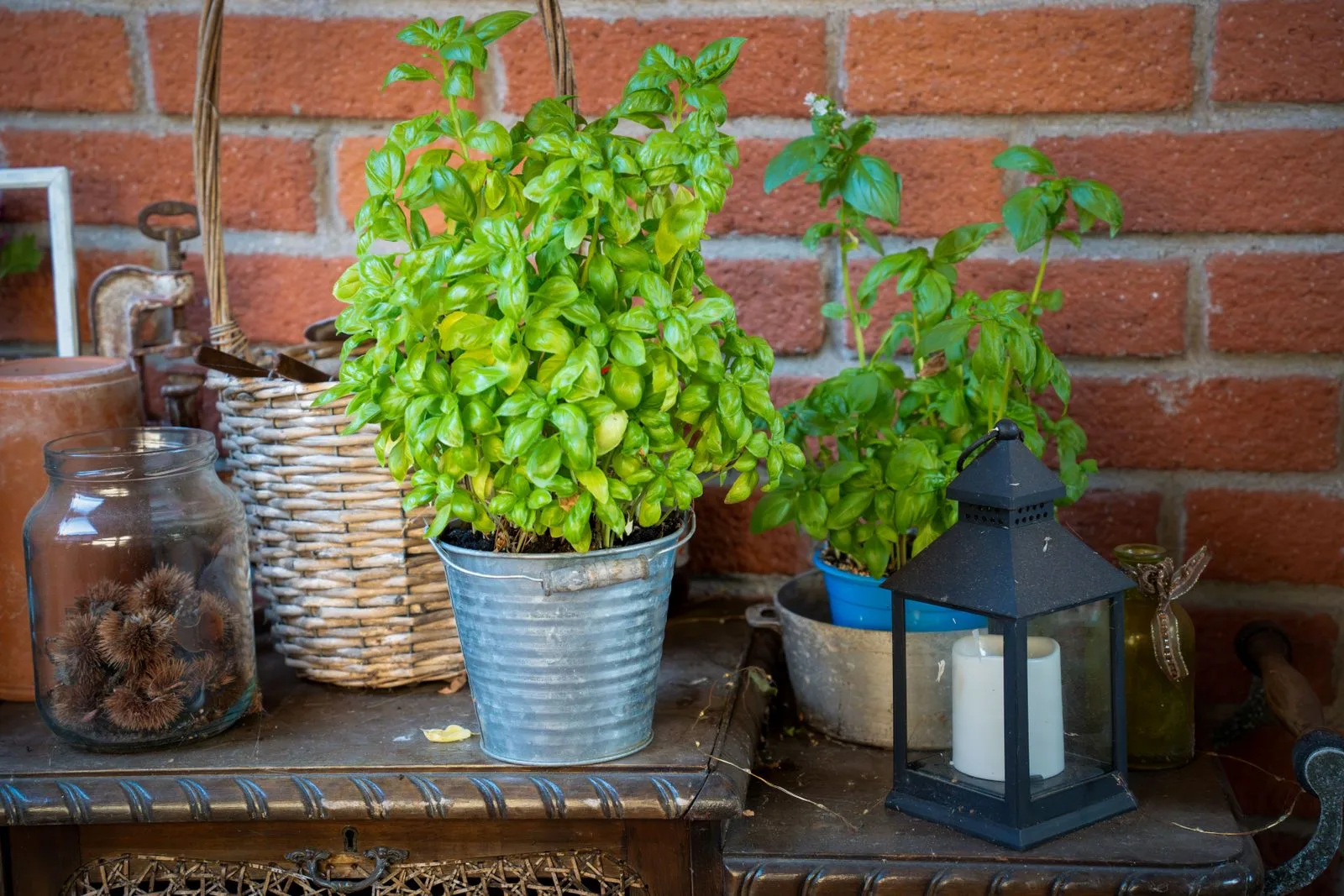
Not everything grows in the ground. Lemons on the patio, a trough of herbs by the back door, tomatoes in a big glazed pot on the paving - plenty of gardens are half pots. Now your Plotera plan can be too.
Place a pot in two taps
Open Grid Tools, go to the Beds tab and choose Pot. Tap the spot where it goes, then pick:
- Shape - round, square or a long rectangle (a trough or planter box).
- Size - round and square pots cover 1, 4, 9 or 16 cells; troughs come in 1 × 2 up to 2 × 5 cells, running across or down.
- Height - from a 20 cm bowl to a 60 cm planter, or anything in between.
- Material - terracotta, glazed (blue, green, cream or charcoal), concrete, plastic, a timber half-barrel or metal.
Give it a name if you like - "Lemon tree", "Herb trough" - and it shows on the plan.
Plant it like any bed
A pot works exactly like a raised bed: plant into its cells and Plotera tracks watering, feeding and harvest for it as usual. Pots sit on whatever is underneath - stand one on paving or gravel and the path shows round its base, and comes back if you move or remove the pot.
In 2D and 3D
On the plan a round pot is a clean circle with its rim and soil; in 3D it stands at the height you chose, tapered like the real thing, with your plants growing out of the top.
Planning a container garden? Read what to plant in my garden, or add your first pot.