Plotera now looks after your house plants
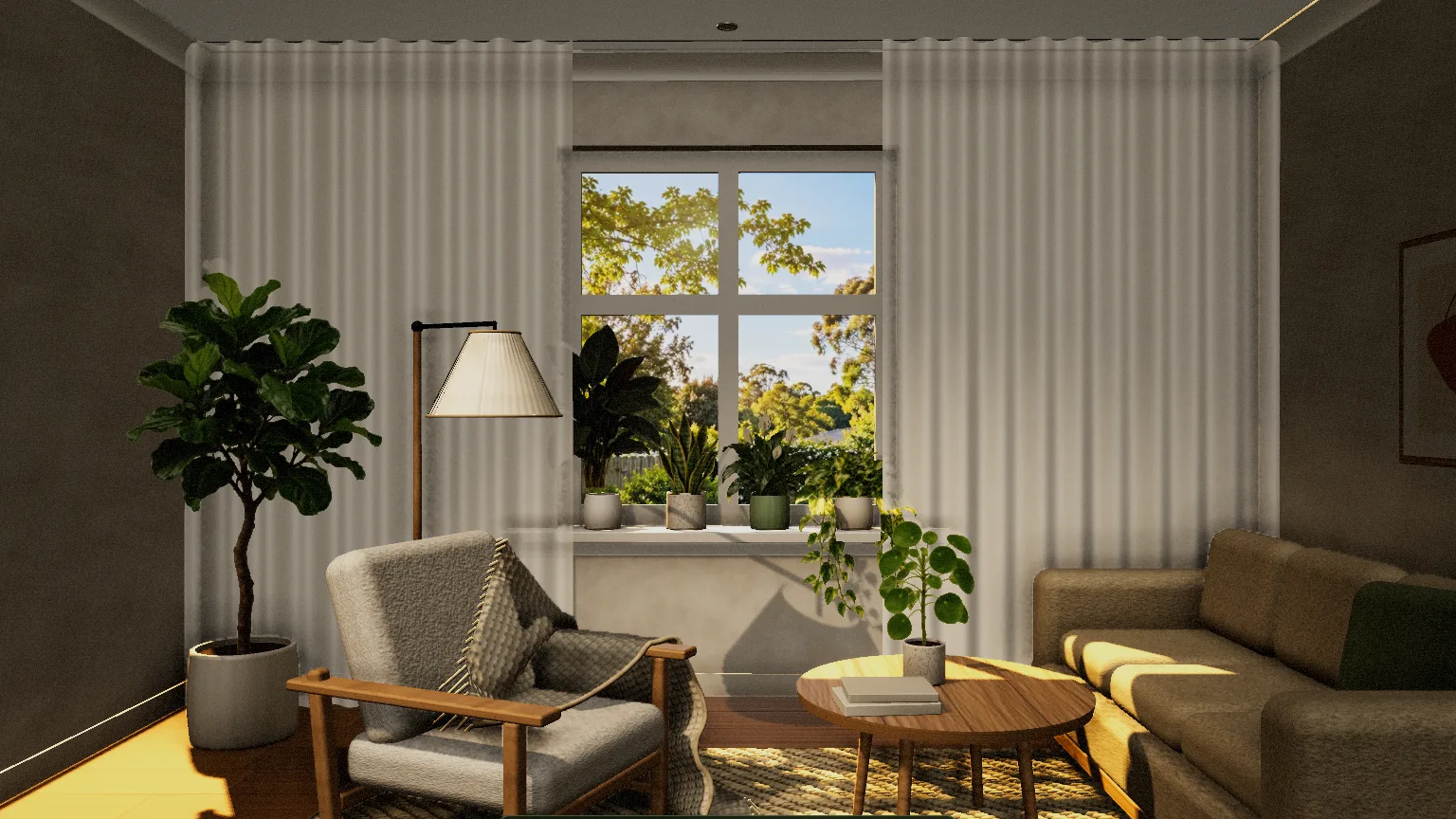
Plotera has always been about the garden outside. Now it looks after the plants inside too. Add a room, set out your house plants in 3D, and Plotera keeps track of what each one needs, using the same encyclopedia that runs your garden.
Rooms in 3D
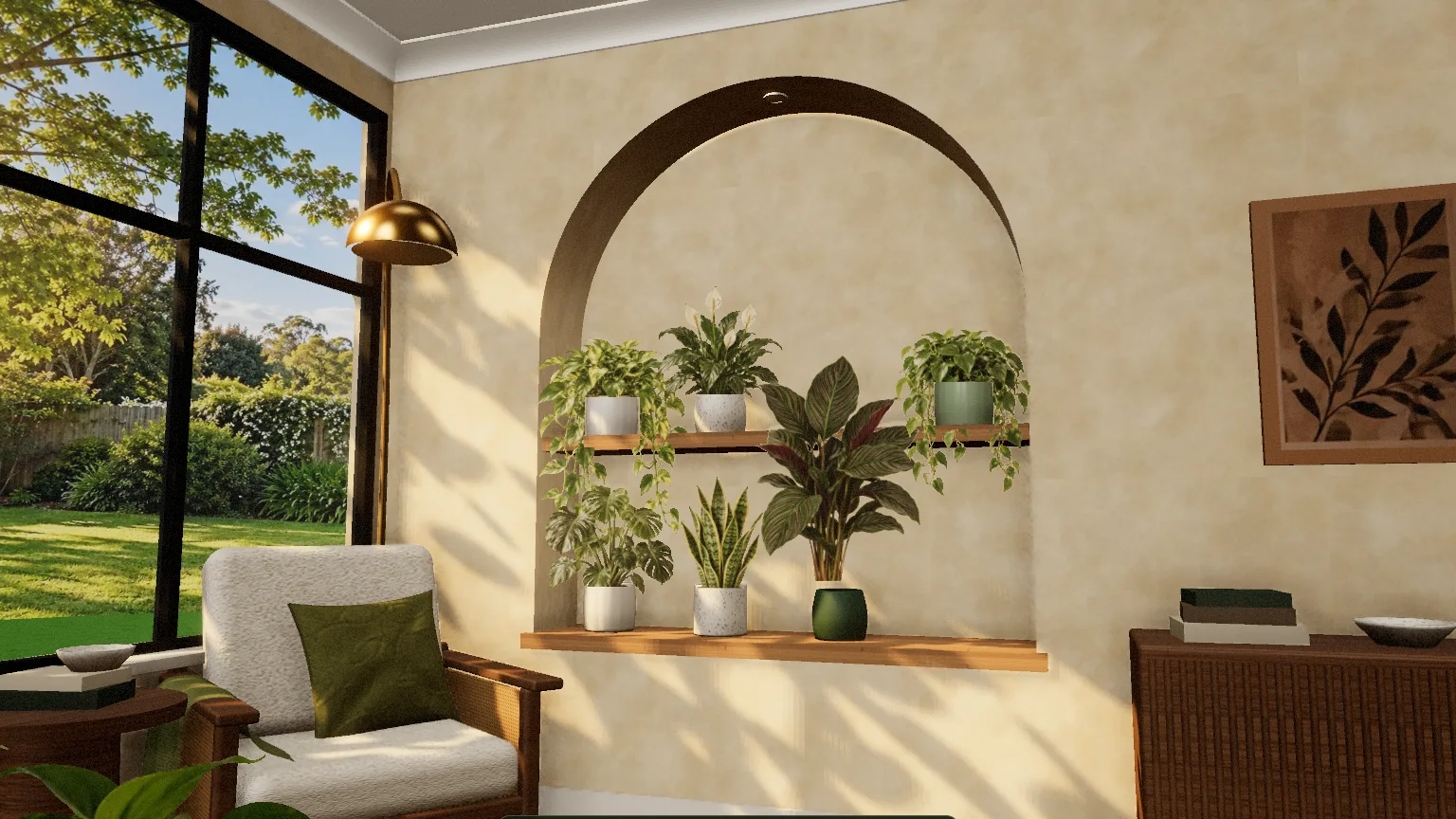
Choose a window sill or a plant shelf and place your plants on it. Pick a pot for each one from 14 shapes, bonsai pots included, in 18 colours, and drag plants between spots until the room looks right. The room follows your real time of day and weather: morning light across the sill, rain on the glass, and the odd bird or butterfly at the window.
Care reminders for every plant
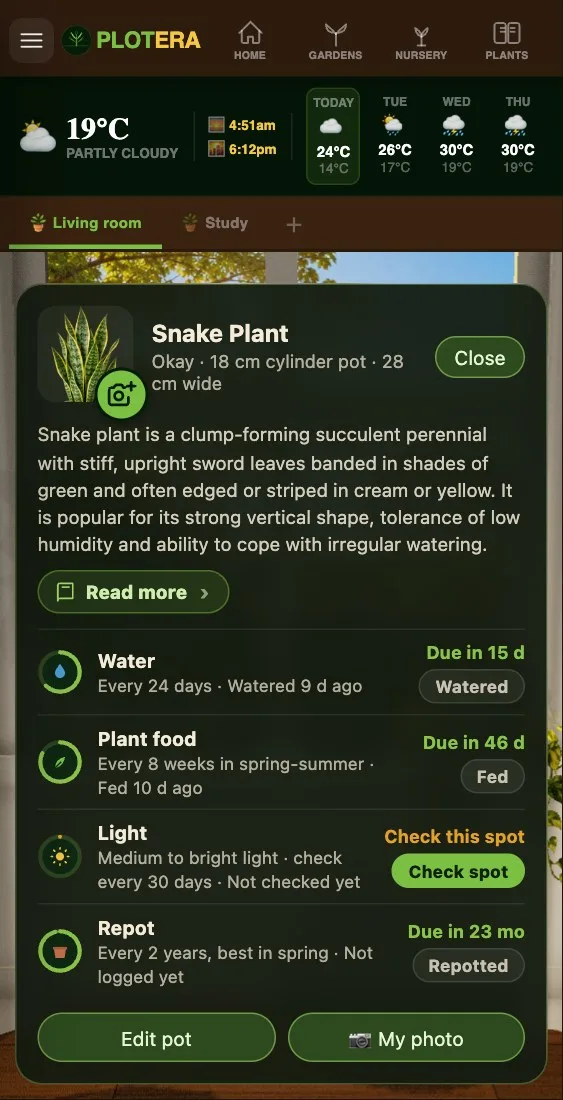
The encyclopedia now has 60 house plants, each with a care guide: how much light it wants, how often to water and feed it, the humidity and warmth it likes, when to repot, and whether it is safe around cats and dogs. Tap a plant in the room to see how it is doing, and log a watering or a feed in one tap. Plotera reminds you when one is due, on your phone or by email.
Is this spot bright enough?
Light is the thing house plants most often go short of, and rooms are much darker than they look. The light check measures it: hold your phone where the plant sits and follow the dots. Plotera compares the light at that spot with the real light outside at that moment, works out how much light the spot gets in a day, and tells you whether it suits the plant, this week and through the seasons, using your area's real sunshine record for the year.
Your own plants, in your own room
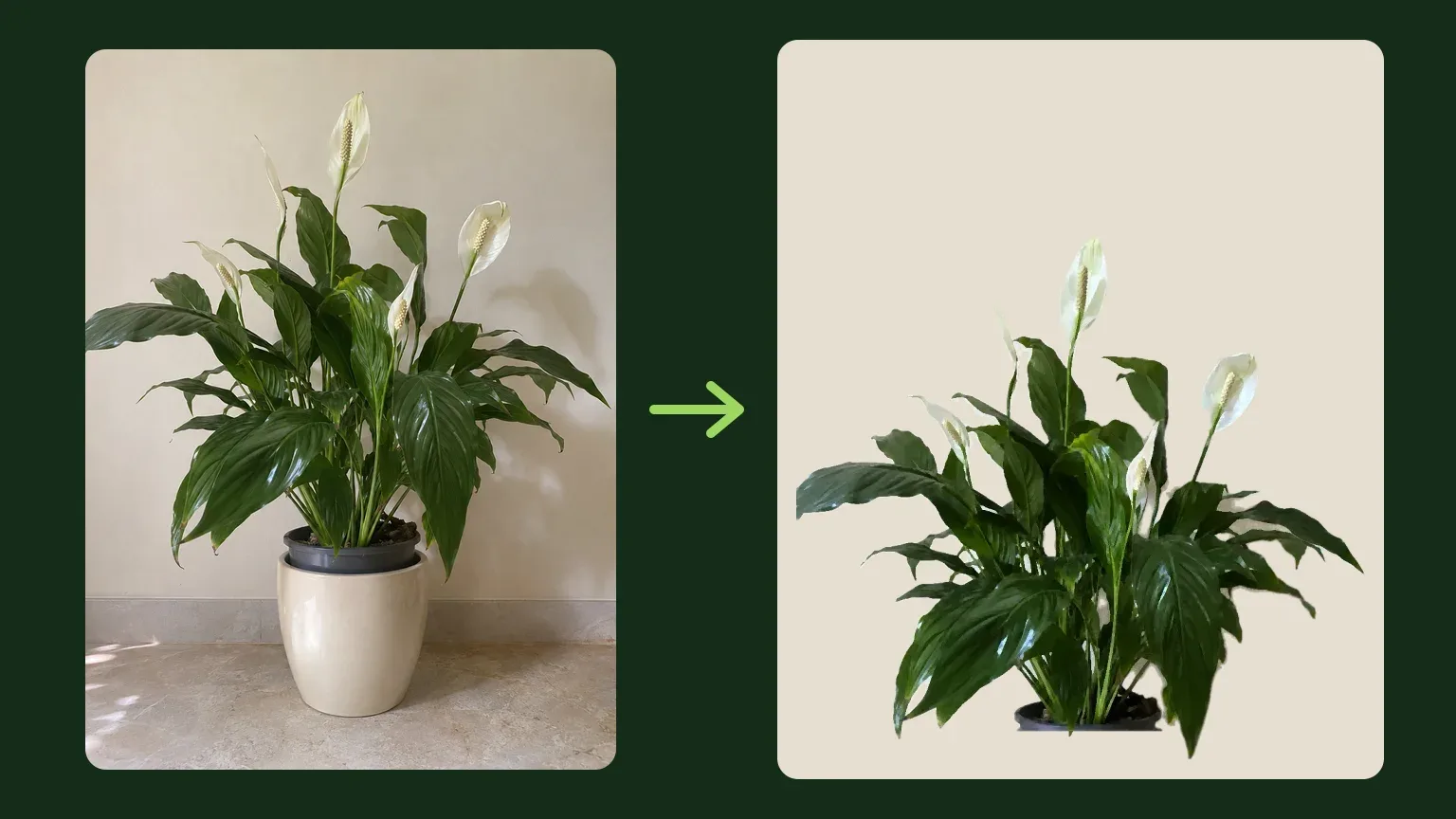
Want the plant in the room to look like the one on your shelf? Take a photo of it against a plain, light wall. Plotera removes the background on your phone, lets you tidy the edges and mark where the pot starts, and paints it to sit with the rest of the room. You can do this for any plant, or add a plant that is not in the encyclopedia with its own name and watering routine. Your plants and photos stay in your own account.
Start with a room
Open the menu and choose Add a room under My Home. If you only grow indoors, pick "Just house plants" when you set up your account. Rooms, reminders and the light check are free.
New to house plants? Our guides cover how much light house plants need and how often to water them, and every one of the 60 has its own care page.