

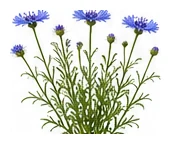
Whole plant
Overall shape, height, branching and growth habit.
Iconic blue wildflower that's extremely easy to grow. Edible petals. Attracts beneficial insects especially lacewings. Excellent companion plant in the vegetable garden.
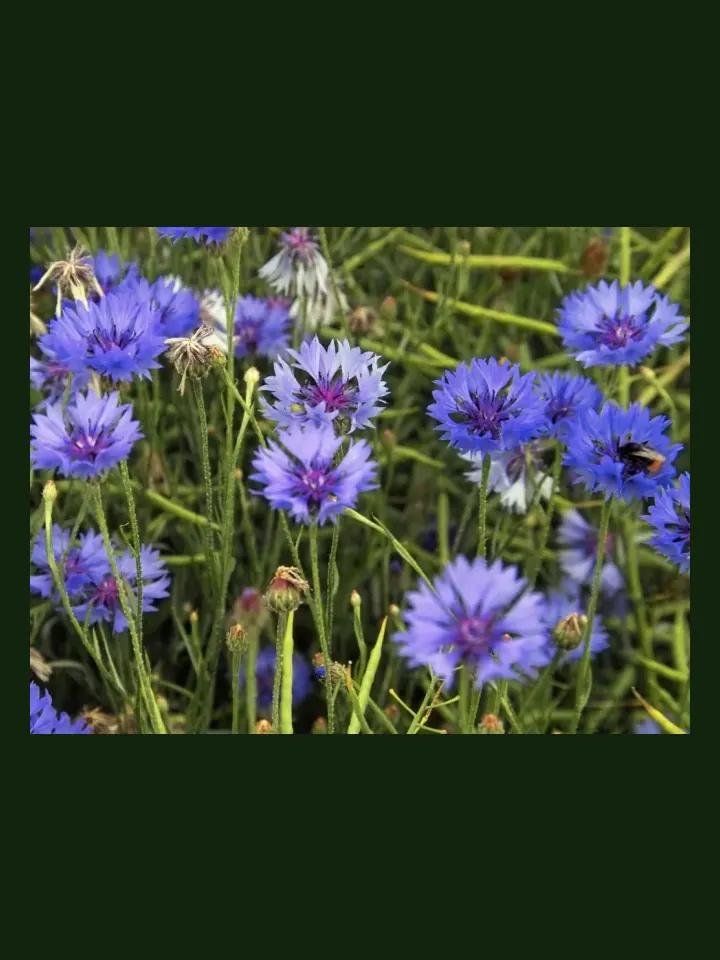
Use this real-world photo as the main plant reference, then compare it with the botanical drawings below for leaf, flower and harvest details.
Use these windows as a public guide. Plotera can personalise tasks around your saved garden, location and planting dates.
| Climate | Sow | Transplant / Plant | Harvest |
|---|---|---|---|
| Tropical | Apr - Aug | Apr - Aug | Jan - Dec |
| Subtropical | Mar - Sep | Mar - Sep | Jan - Dec |
| Mediterranean | Feb - Oct | Feb - Oct | Jan - Dec |
| Temperate | Feb - Oct | Feb - Oct | Jan - Dec |
| Cool | Feb - Sep | Feb - Sep | Jan - Dec |
| Arid | Mar - Oct | Mar - Oct | Jan - Dec |
Compare the whole plant first, then check the leaf, flower and harvest detail to identify what Cornflower should look like as it grows.
Overall shape, height, branching and growth habit.
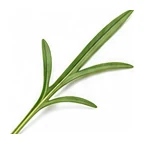
Leaf shape, edges, colour and vein pattern.
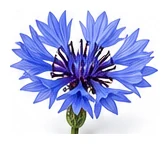
Flower colour, structure and where blooms appear.
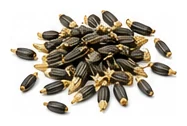
Fruit, root, seed, pod or the strongest identifying feature.
A quick garden-to-table guide for using Cornflower after harvest.
Use edible flowers sparingly as colourful garnishes, salad accents, teas, or infused syrups when the plant is known edible.
Use edible blooms in teas, fritters, syrups, baking, or as a garnish after cooking.
Dry edible petals for tea or decoration where appropriate.
Try: Salad garnish, Tea, Syrup, Edible decoration.
Tomato, Beans, Brassicas
No avoid list yet.
Sow direct — dislikes transplanting. Self-seeds freely.
Create a free account to save your garden layout, personal planting calendar, water and fertiliser schedules, seed inventory and harvest logs.
Create Free Account