
Auto Garden Builder: a planted garden plan in five questions
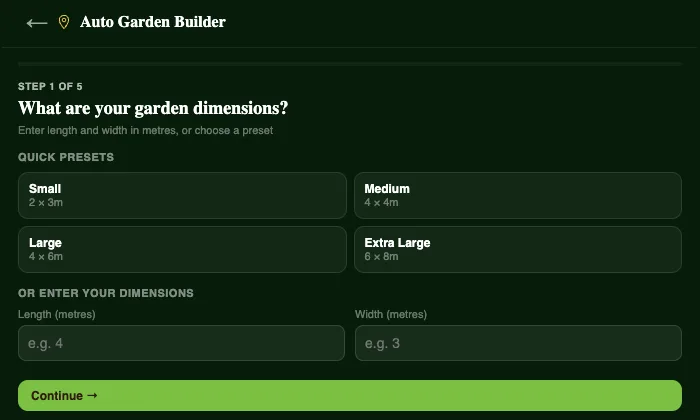
A blank garden plan can be the hardest part of growing your own food. Which crops? How many of each? What goes next to what? The Auto Garden Builder answers all of that in five quick questions.
Five questions, one planted garden
- How big is your garden? Pick a preset from a small 2 × 3 m bed up to 6 × 8 m, or type your own measurements.
- Where is it? Your location sets the season, climate and planting windows.
- What do you most want to grow? Tomatoes and fruiting veg, leafy greens and salads, herbs, root vegetables, quick growers or a mix.
- What is your soil like? Or pick a saved soil profile from the Soil Centre.
- Do you want paths? So you can reach every bed without stepping on the soil.
Plotera then lays out a planted garden, grouping crops that grow well together, keeping tall plants where they will not shade the rest and choosing varieties that suit the time of year where you live.
Yours to change
The plan is a starting point, not a rule. Move beds, swap crops or add your favourites, and the watering, feeding and harvest reminders update to match.
Not sure what suits your space? Read what to plant in my garden and our list of easy, high-yield vegetables, or try the builder free.