
Find the sunniest spot with the Garden Location Advisor
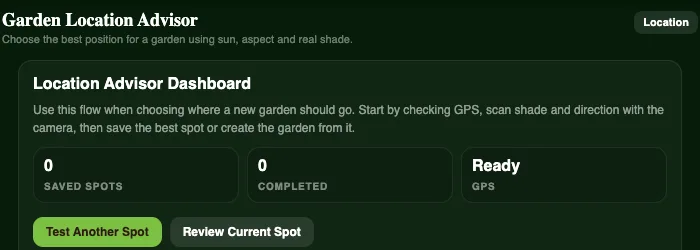
Most vegetables want six or more hours of sun. Before you build a bed, it pays to know which part of the yard actually gets it. The Garden Location Advisor helps you find out.
Four simple steps
- Set the location using your phone's GPS, so the sun's path is worked out for exactly where you are standing.
- Scan the site. Hold your phone up and the camera shows a level horizon line and where the sun will travel, so you can see which trees, fences or buildings will cast shade.
- Check direction and shade. The compass shows which way the spot faces, and you can mark how shaded it is.
- Review and save. Each spot gets a score. Save it as a candidate, compare a few around the yard, then create your garden right there.
Why it matters
A sunny, sheltered spot means faster growth, sweeter tomatoes and fewer problems with mildew. Getting it right at the start is much easier than moving a raised bed later.
Stuck with a shadier yard? Our guide to growing vegetables in shade lists the crops that cope best.