
Gardeners' Globe: see who else is growing around the world
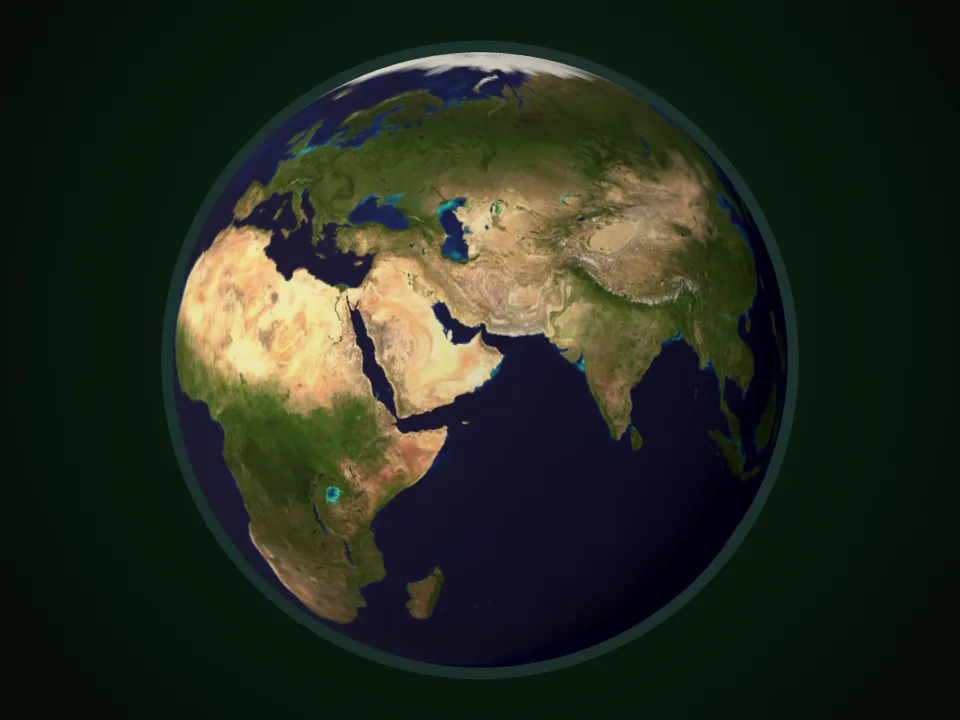
Gardening can feel like a solo hobby, but it rarely is. Somewhere, someone is sowing the same tomatoes as you, a season ahead or a season behind. The new Gardeners' Globe in Plotera lets you see them.
A world of gardens
Open the Globe and you get a 3D Earth you can spin with your finger or mouse, dotted with markers where Plotera gardeners are growing. Zoom in as far as country level to see who is gardening near you. It is a simple reminder that while it is spring in Brisbane, it is autumn in Bristol, and both gardens are busy.
Privacy first
The Globe is opt-in. Your garden only appears if you choose to show it, and even then:
- Markers sit at a rough, shifted position within your country or region, never at your exact address.
- Names are masked (for example S***h), never shown in full.
- Your exact location and account details are never sent to anyone else's device.
You can switch it off again at any time.
Plus a round of garden fixes
The same update tidied up the garden itself: smoother raised beds, a clearer planting advisor and a handful of layout fixes that make planning on a phone feel easier.
Planning a garden in the opposite hemisphere? Plotera's planting calendar follows your own location, so the advice always matches your season. Start your free garden plan.