
Plotera for iPhone is nearly here
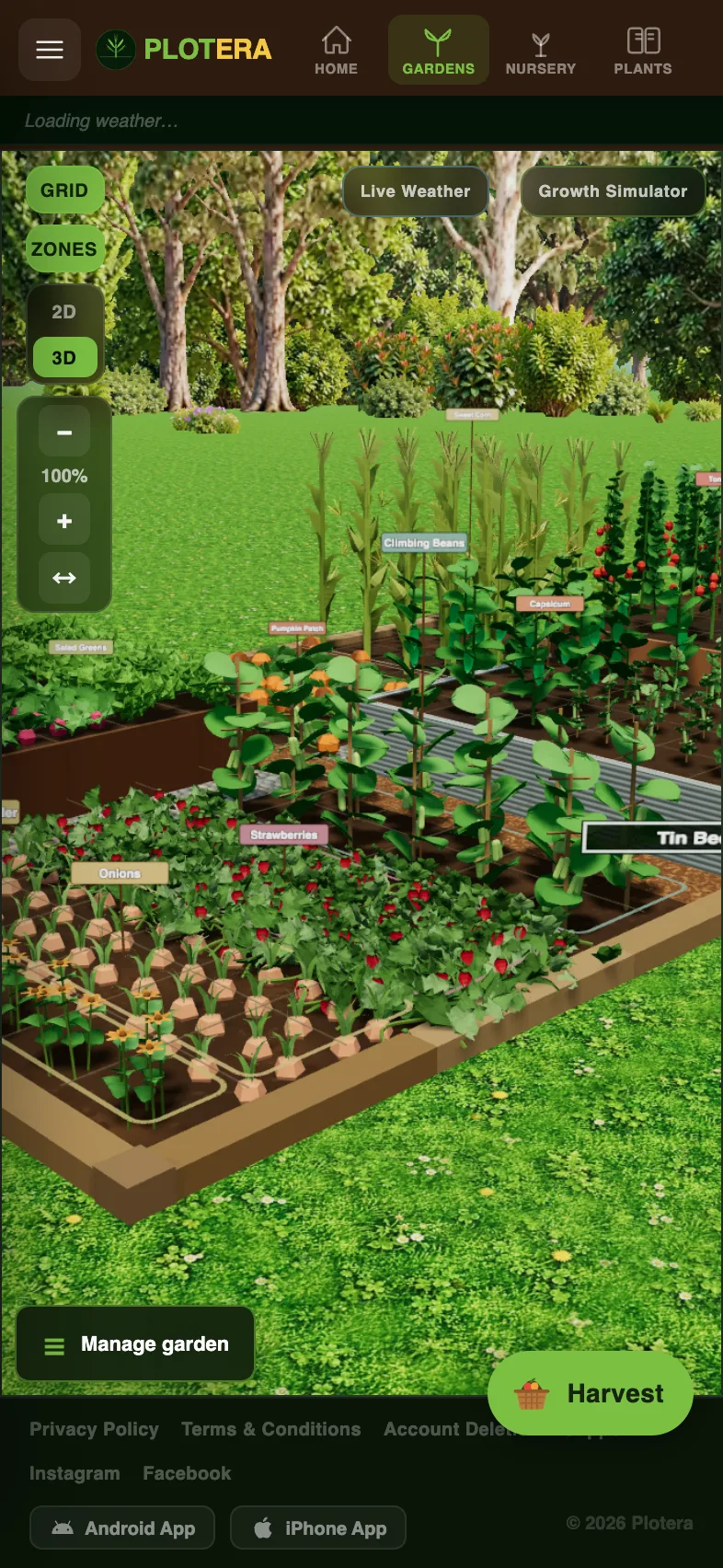
iPhone gardeners, this one is for you. We have been testing the Plotera iPhone app, and it is now with Apple for review. We expect it on the App Store any day now.
What is in it
- Everything you know from Plotera on the web, in an app on your home screen.
- Notifications on your iPhone for watering, feeding, harvest time and frost, heat and wind alerts. We have already tested these on real iPhones.
- The full 3D garden, Growth Simulator, Yield Log, Soil Centre and seedling trays.
- The same account as the web and Android, so your gardens are already there when you sign in.
- Free, like the rest of Plotera.
Can't wait?
You do not have to. Plotera works in Safari on your iPhone today: open plotera.app/app, then tap Share and Add to Home Screen for an app-like icon. When the App Store version is out, sign in with the same account and everything will be there.
We will post here the moment it is live. In the meantime, Android users can get Plotera on Google Play.